Made for second-hand
Built for Vinted, Depop and your camera roll.
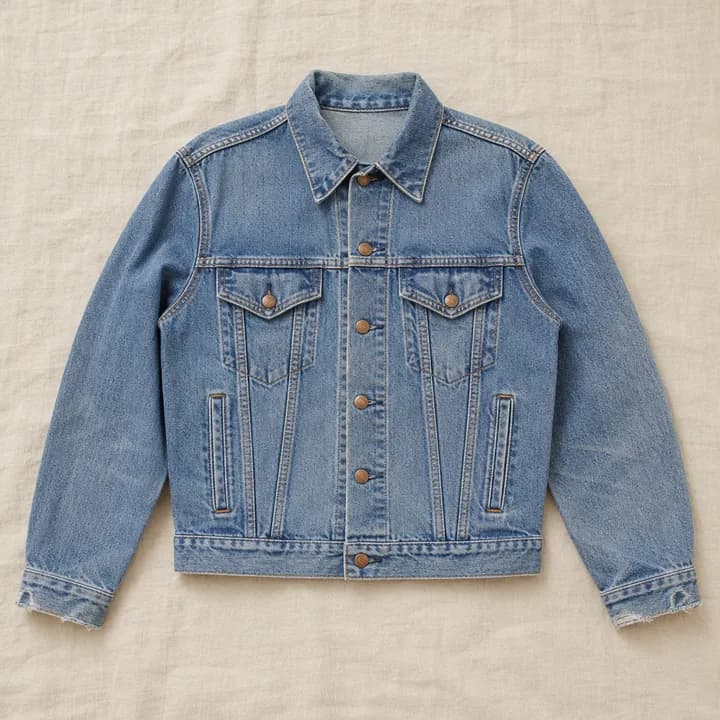
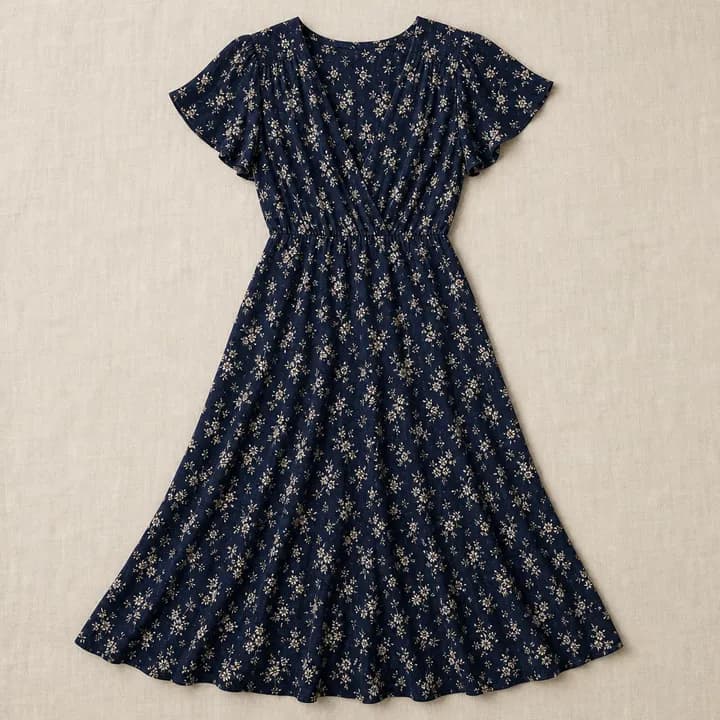
Paste a listing, share it straight from the app, or drop in screenshots and your own garment photos.
Vinted · Depop · Screenshots
New: share from AndroidStart from a Vinted listing, a Depop find, screenshots or your own photos, then see a private AI preview of the item on you.
Packs from £1.49No subscription. Unused try-ons never expire.
For adults aged 18+. Every preview is an AI illustration, not a guide to fit, size or the exact item.

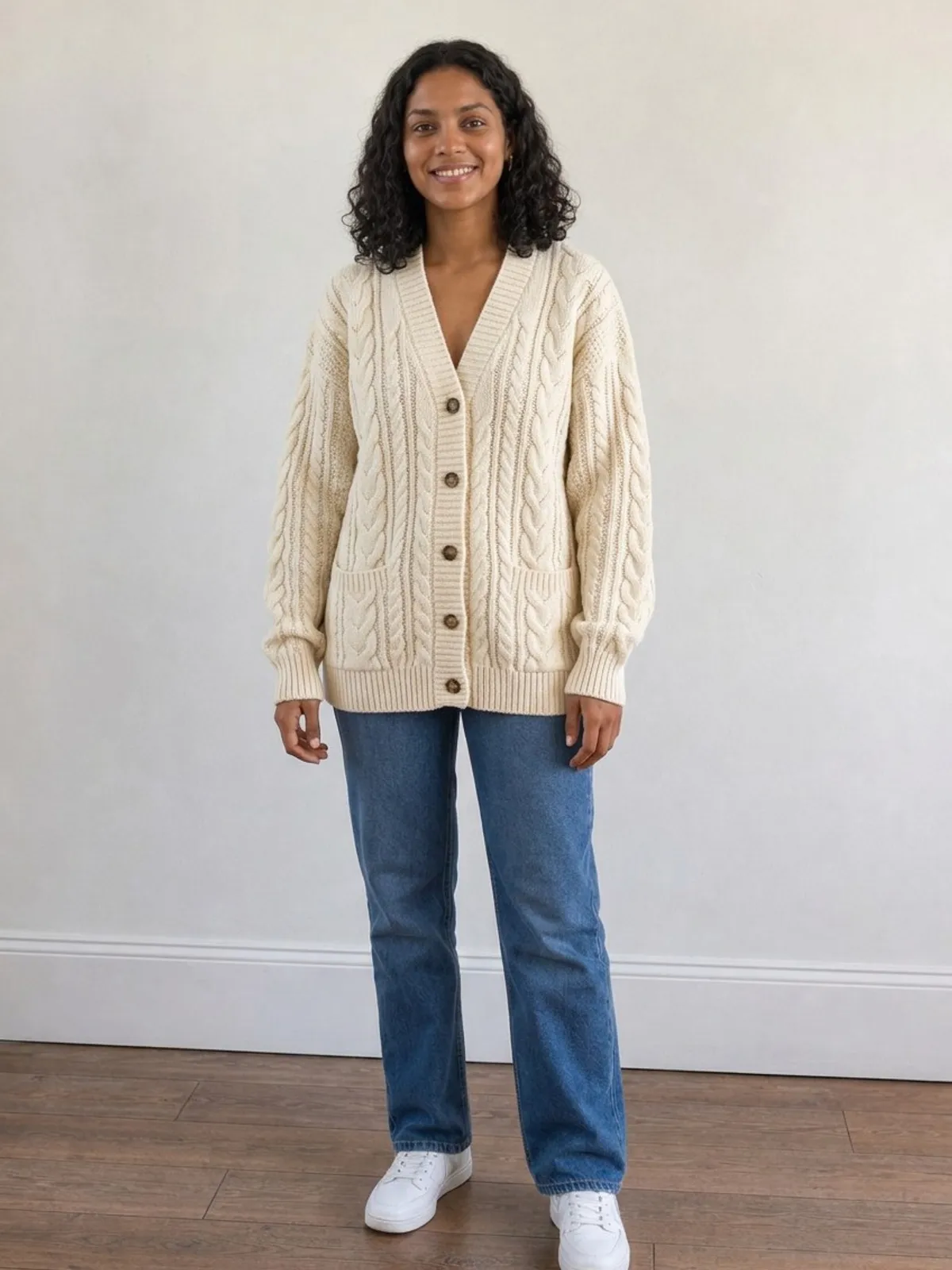
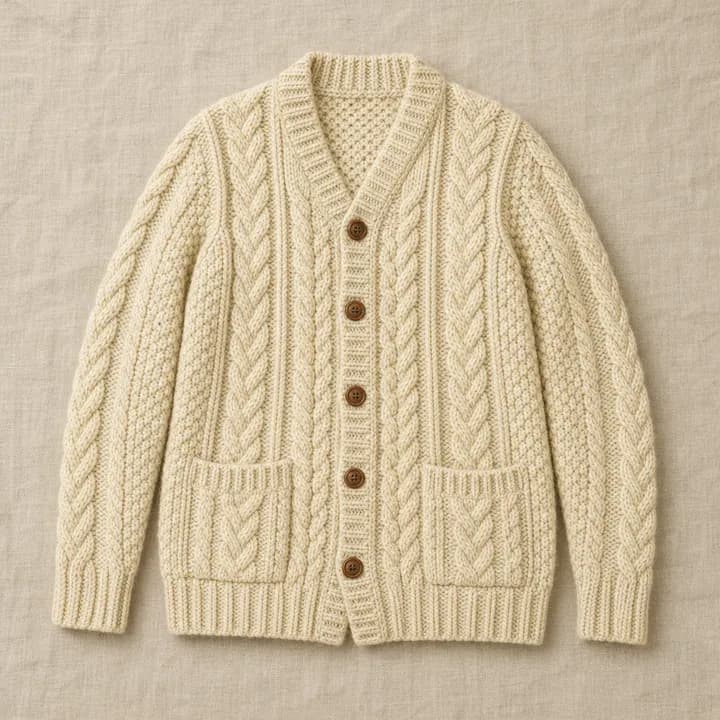
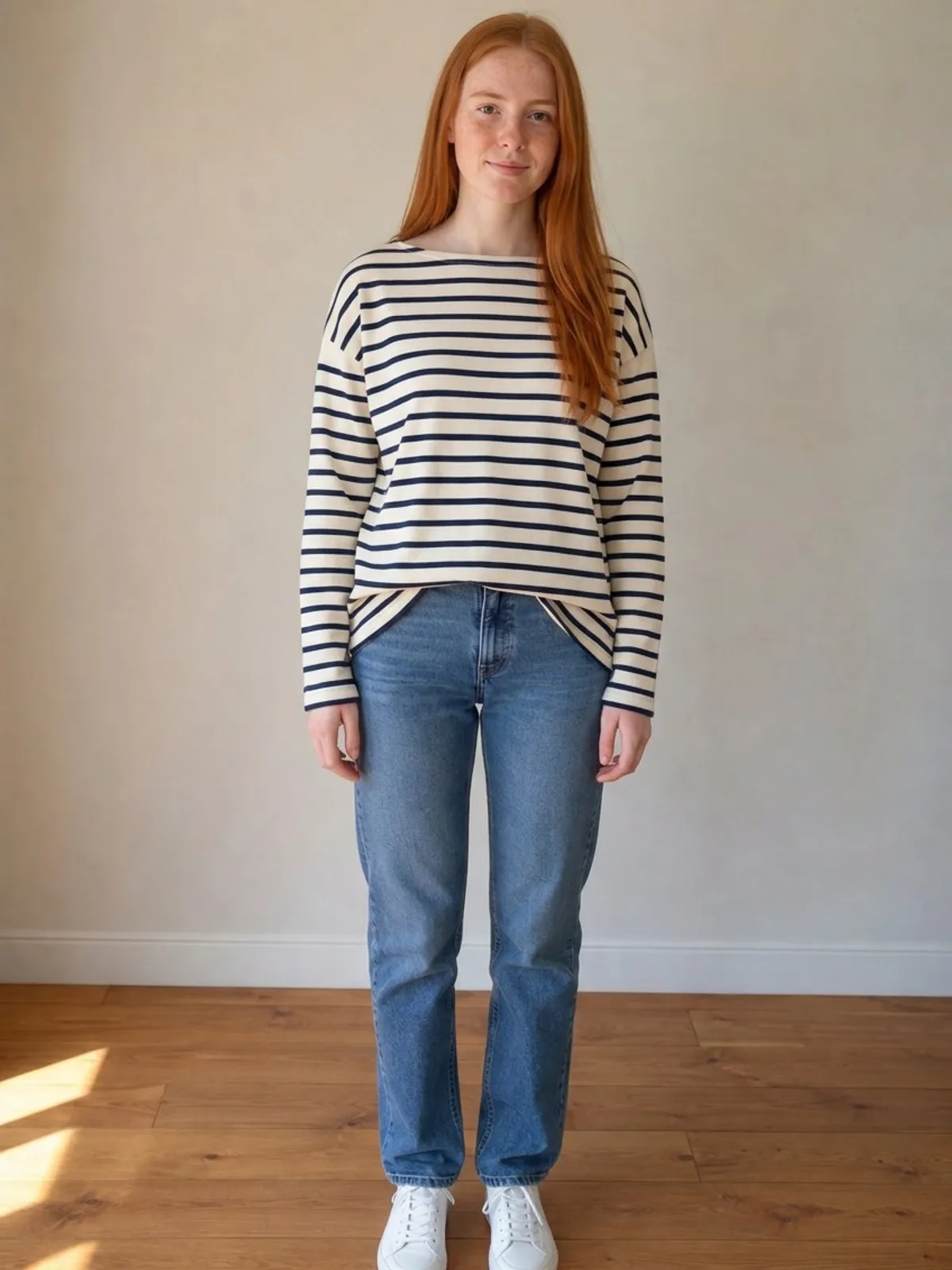
AI preview, illustrative. Shown on an AI-generated model. Garment: Synthetic garment image generated for this example; not a seller photo. Not a guide to fit or size.
Vinted finds, Depop finds, screenshots and your own photos. Paste a link, share from your phone or upload screenshots. No subscription, credits never expire, failed try-ons refunded, private by default.
Why Outfit Try-On
No fit promises and no subscriptions. Just a clearly labelled preview, fair pricing and photos kept private.
Made for second-hand
Paste a listing, share it straight from the app, or drop in screenshots and your own garment photos.
Fair pricing
Pay once. Unused try-ons never expire.
A failed generation returns its credit automatically.
Unused try-ons stay in your account for your next find.
Every preview is marked as an AI illustration, never a size or fit promise.
How it works
No retailer integration needed. It works with listings, screenshots and your own garment photos.
Paste a Vinted listing, share it from your phone, or upload screenshots and garment photos.
Use a clear photo of yourself. It stays private in your account.
Generate an illustrative AI preview, then check it against the seller’s real photos and measurements.
Examples
Drag to compare, or pick another find below. Every preview is an illustration, so the real listing always gets the final word.
Examples use fictional adult models and synthetic garments, and every one is labelled “AI preview, illustrative”.
Before · photoAfter · AI previewSpot the difference: compare length, colour and texture with the listing’s real photos before you buy.
Pick an example
Fictional adult models · synthetic garments · hover to see the before
Vinted, Depop and Android sharing
The optional iPhone Shortcut sends the listing you are viewing to Outfit Try-On. On Android, install the web app from your browser and share listings to it from the share menu. If a listing cannot be imported, upload its screenshots instead.
Cream cable-knit cardigan
Second-hand listing
Share to
Listing importedCream cable-knit cardiganChoose a photo of yourself
Personal try-on packs
No subscription. Unused try-ons never expire, and a failed generation returns its credit.
Start small
£1.49
£0.75 per try-on
A taster for your first finds. One payment, no subscription.
£2.99
£0.60 per try-on
A simple pack for a few finds. One payment, no subscription.
£7.99
£0.53 per try-on
More room for a wardrobe refresh or a run of Vinted saves.
Lowest per try-on
£14.99
£0.50 per try-on
The value pack for regular browsing and outfit experiments.
Create your passwordless account, buy a pack securely through Stripe and start trying things on. No subscription, and unused try-ons never expire.
Sign up for personal try-onsPrivacy & responsible use
Personal-account photos and previews stay private in your account; merchant-session content stays private from the retailer.
Delete saved personal try-ons in Settings, or end a retailer session sooner after downloading the preview.
Retailer-session photos and previews remain in active application storage for no more than 24 hours.
Photos and previews are not used for AI training, marketing or a merchant gallery.
Frequently asked questions
Clear answers about packs, privacy and what the preview can—and cannot—tell you.
Outfit Try-On is a private AI-assisted app for trying on second-hand finds before you buy. Add an item from Vinted or Depop, a screenshot or your own garment photos, choose a photo of yourself, and it creates an illustrative preview of the item on you. It is for adults aged 18 or over.
Yes. The personal app works directly on this website. You can paste a supported Vinted listing link, upload screenshots from Vinted, Depop or anywhere else, or upload your own garment photos, then choose your own photo for the preview. No retailer integration is needed.
Personal access uses one-off packs rather than a subscription, and unused try-ons never expire. Prices and the payment total are shown before Stripe checkout. A try-on normally uses one credit when generation starts; if generation fails, the reserved credit is returned automatically.
The public demo is a free one-off on a sample cardigan, limited to 10 generations a day across all visitors. Personal try-ons of your own finds use a pack and need an account; there are no free credits on signup.
Enter your email address and we send a secure, one-time sign-in code. There is no password to create or remember. Your photos, saved items, try-on history and credit balance stay attached to that private account.
On iPhone, install the optional Shortcut from your account, then share a Vinted listing to Outfit Try-On and it opens with that listing ready to import. On Android, install the web app from your browser and share listings to it. You can always paste the link or upload screenshots instead.
A clear, front-facing, full-length photo in good light works best. You must be at least 18 and upload only a photo of yourself, not a child or another person.
No. Outfit Try-On does not calculate body or garment measurements, recommend a size or guarantee fit. Use the seller’s or retailer’s measurements, size guide, product description and returns information.
It is an illustration, not an exact product image. AI can change or invent body shape, garment proportions, cut, length, colour, texture, print, logos and other details, so compare the preview with the seller’s or retailer’s real photographs and information.
Personal photos and previews stay private in your account until you delete them in Settings. In a retailer’s try-on session, photos and previews remain in Outfit Try-On’s active application storage for no more than 24 hours, deletion is scheduled earlier, the shopper can delete the session sooner, and the preview can be downloaded locally first. Provider safety, legal-compliance and protected-backup systems can have separate periods explained in the privacy notice.
AI image generation uses electricity in data centres. Depending on how those data centres are cooled and powered, it can also be associated with water consumption and greenhouse-gas emissions. The impact varies by model, hardware, data-centre location and electricity mix. A preview is generated only when a shopper chooses to request one, but that does not remove its impact. We do not currently have a verified per-try-on footprint, and we will not claim that this feature is environmentally beneficial without evidence.
Research:IEA: Energy and AIFAccT 2024 study of AI inference energyLawrence Berkeley National Laboratory data-centre report
Yes, if you run a UK WooCommerce store. Sign up on the retailer page and we’ll confirm compatibility by email; approved stores receive the signed plugin, connect their store and choose a published plan. Shopify is coming soon. Merchant plans are published on the retailer and pricing pages.
On an eligible product page, the shopper opens Outfit Try-On, agrees to the photo-processing notice, uploads a photo of themselves and asks for a preview. The service combines that photo with the retailer’s selected product imagery and returns an AI-generated visualisation in the shopping journey.
WooCommerce stores can sign up now through managed onboarding. The Shopify integration is coming soon and is not currently open for new-store onboarding.
Retailers choose the products and product images used in the experience. An enabled item must be a published physical product with at least one clear product image. Supported categories include tops, dresses, trousers, jeans, shorts, skirts, coats, jackets, jumpers, cardigans and jumpsuits.
On WooCommerce, an approved store installs the signed plugin, connects the store and selects eligible products in WordPress administration. Shopify onboarding is coming soon and will use a theme app block rather than editing theme files directly.
For retailers
WooCommerce signup is open for UK stores. Share your store details and we’ll confirm compatibility; approved stores receive the signed plugin, connect securely and choose a published plan.
WooCommerce try-on for storesPacks from £1.49No subscription
Try it on